




IT Software · Services
Complex technical support, faster and simpler
As features and environments grow, inquiries get more specific. You need a service desk that resolves product, technical and incident questions quickly and accurately.
As features and environments grow, inquiries get more specific. You need a service desk that resolves product, technical and incident questions quickly and accurately.



- 40%less time spent searching for knowledge
- 55%of tickets resolved by AI (deflection)
- 30%faster average technical resolution time
Do any of these sound familiar?
Connecting customers and businesses raises many challenges. Find a smoother, more efficient way to run your service.

Must every agent know everything?
As product features and technical documents pile up, no agent can remember and find it all. Manuals and information need one home, ready the moment they are needed.

Do inquiries take too long to resolve?
IT service requests range from simple questions to incidents, technical support, contracts and billing, and even triage and routing takes time.
Hard to solve problems by description alone?
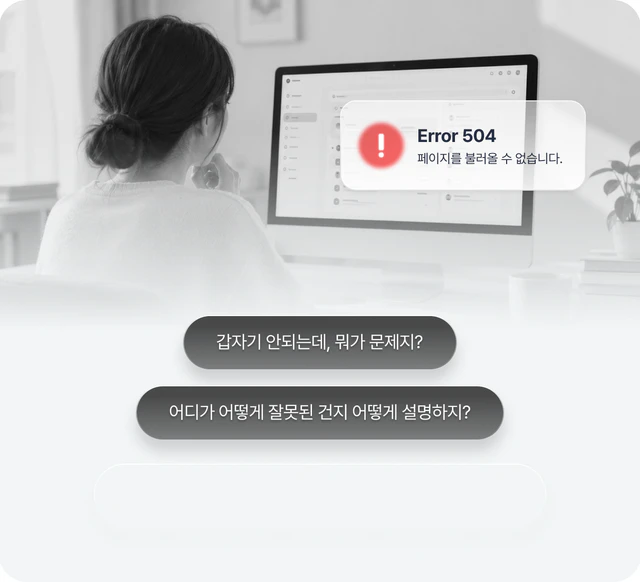
Software errors and environment issues are often impossible to solve from a description. You need to see the problem and respond right away.


AI KMS
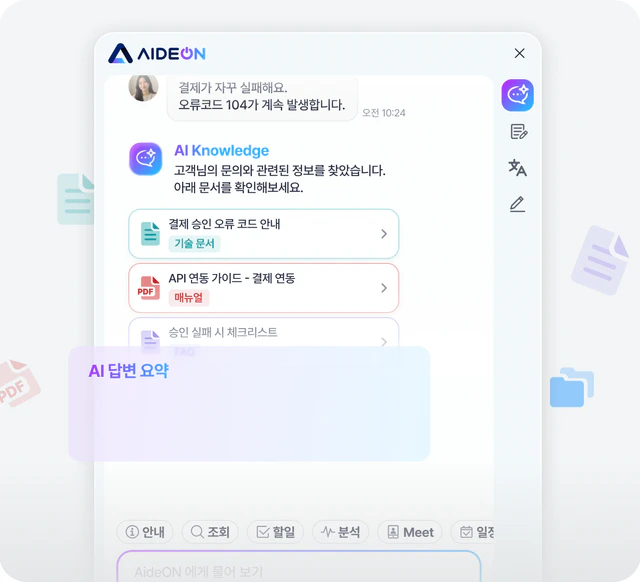
AI finds the information you need, instantly
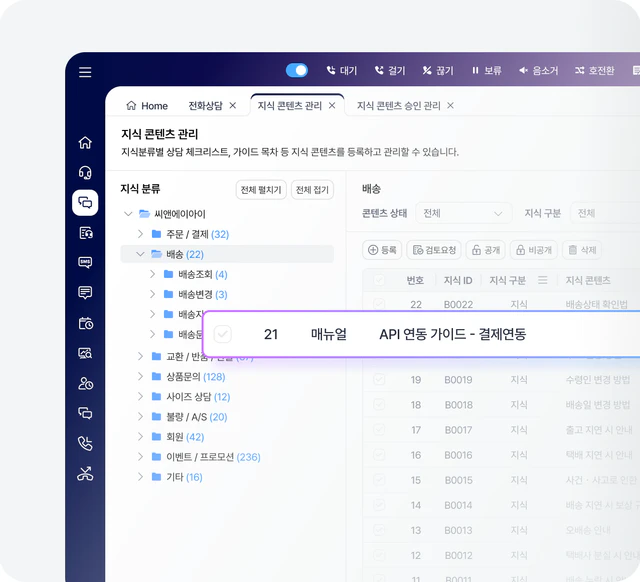
Bring product information and technical documents together in AI Knowledge Hub, and search them in real time so agents can answer accurately.
Bring product information and technical documents together in AI Knowledge Hub, and search them in real time so agents can answer accurately.


AI Ticket Management
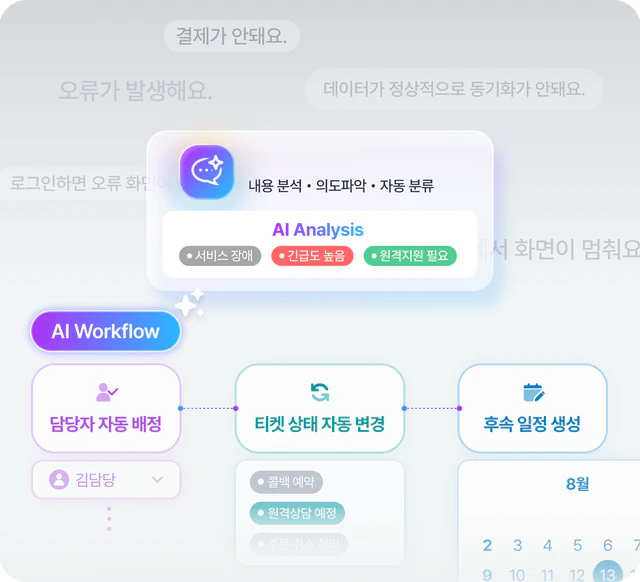
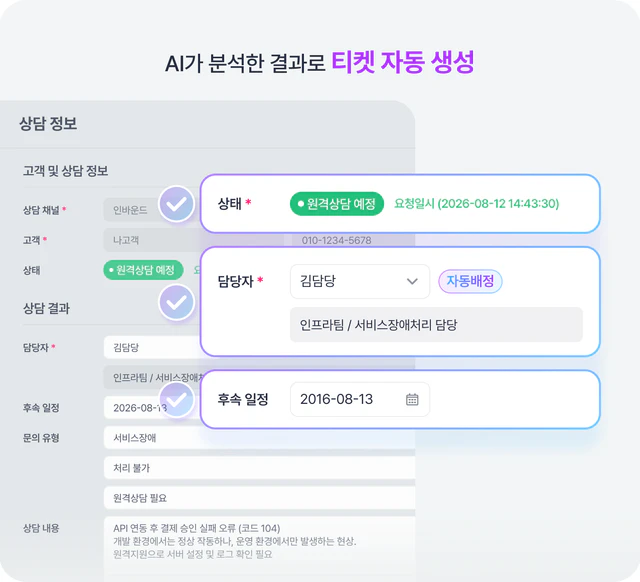
Classify inquiries automatically and route them
Unify inquiries from phone, chat and email into one ticket, then let AI analyze each one, classify type and priority, and route it to the right owner and process.
Unify inquiries from phone, chat and email into one ticket, then let AI analyze each one, classify type and priority, and route it to the right owner and process.





Remote Support
See the problem on the customer screen and fix it
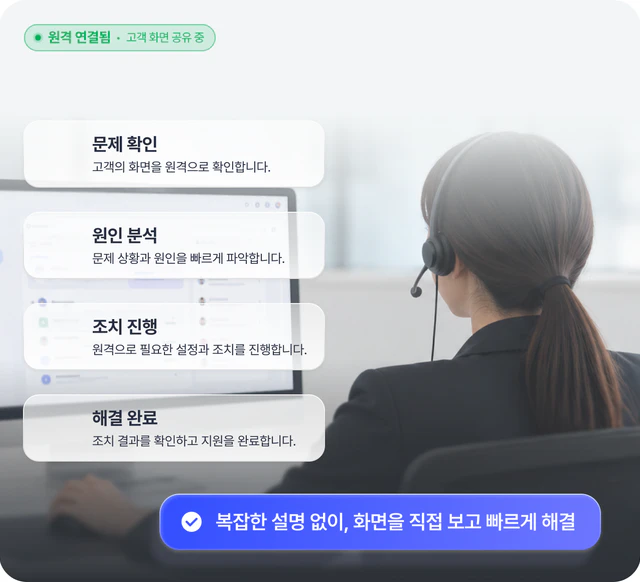
Inspect the customer PC or service environment through secure remote support so agents can understand the issue exactly and resolve it quickly.
Inspect the customer PC or service environment through secure remote support so agents can understand the issue exactly and resolve it quickly.







Frequently Asked Questions
Can it provide up-to-date answers even when product manuals change often?
Yes. You can register product manuals and technical documents in AI Knowledge Hub and update them when they change. AI finds the information needed for an inquiry from the managed documents and supports the answer. Agents can check the relevant content while guiding customers on how to use the product or solve a problem. When documents change, the knowledge is managed through the system, so information always stays up to date and customers receive consistent answers.
How are incident and technical support inquiries classified and handled?
AI analyzes incoming inquiries and automatically classifies their type and priority based on the content and the criteria you set. Classified inquiries are passed to the person in charge and can be handled according to the defined work procedure. The person in charge checks the inquiry and its processing status and takes the necessary action. This lets you manage the flow from receipt to assignment in an organized way.
How does remote support work?
After obtaining the customer's consent, we connect to the customer's screen through a secure remote connection and look at the problem together. The agent examines the errors or settings the customer is experiencing to diagnose the problem. The agent can guide the customer through the fix or help with the necessary settings. Customers don't have to describe a complicated situation in words, and agents can give more accurate guidance by seeing the screen.
